Find your pose.
Take the shot.
Line up with a pose guide. Hold your mark. Your iPhone takes the shot.
Try the camera demo
Frame the pose.
Hold your mark.
Scroll to line up the guide. At 95%, hold the pose and Auto takes the shot.

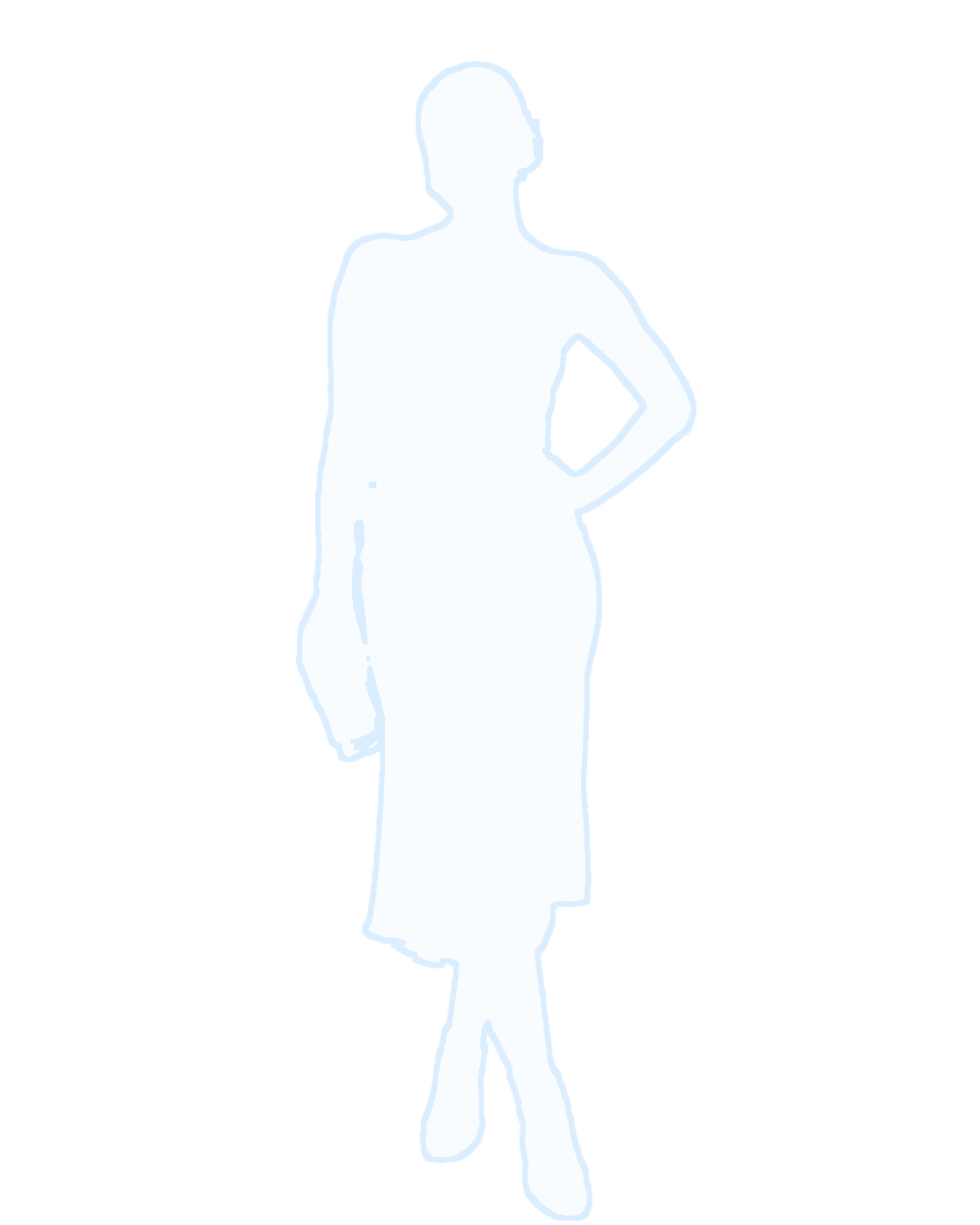 Hand on Hip
Same flash.
Different film.
Choose a preset and drag the divider. Watch the highlights on skin and the detail in the black satin.

 OriginalSoft Portrait‹ ›
Find your next pose.
Explore a selection from the 248 guides in Marked. Tap a pose for cues on your hands, chin, and shoulders.
A few things
worth knowing.
Can I take a photo by myself?
Yes. Set down your iPhone, turn on Auto in the front camera and hold a 95% match. Marked takes the photo for you. Optional spoken cues help when you’re standing back.
How do Duo poses work?
Pick a Duo guide and line up both people. Marked scores each person and uses the lower score for hands-free capture.
Does the guide appear in my photo?
The mannequin and coaching cues appear in the viewfinder. Your saved photo shows just the scene and the film look you chose.
Where are my photos processed?
Pose tracking and film rendering happen on your iPhone. When you save a shot, it goes into your Photos library.
What does Premium include?
Marked is free to download. Premium opens the full pose library, unlimited hands-free captures, Scene analyses and shoot plans. US subscriptions are $4.99 weekly, $9.99 monthly or $29.99 yearly. A three-day trial is available to eligible yearly subscribers.
Ready for
your close-up?
Marked for iPhone. Coming to the US App Store.
Find your pose ↑